 Arduino
Beginner
Arduino
Beginner
Getting Started with Arduino
Published on Jan 02, 2026
Arduino
Beginner
Published on Jan 02, 2026
Arduino is an open-source electronics platform based on easy-to-use hardware and software. This tutorial will introduce beginners to Arduino, guiding you through setting up your first project, connecting the board, and writing your first program.
Arduino Uno (or any compatible Arduino board)
USB Cable (for programming and power)
LED (optional)
Resistor (220Ω for LED)
Jumper Wires
Breadboard (optional)
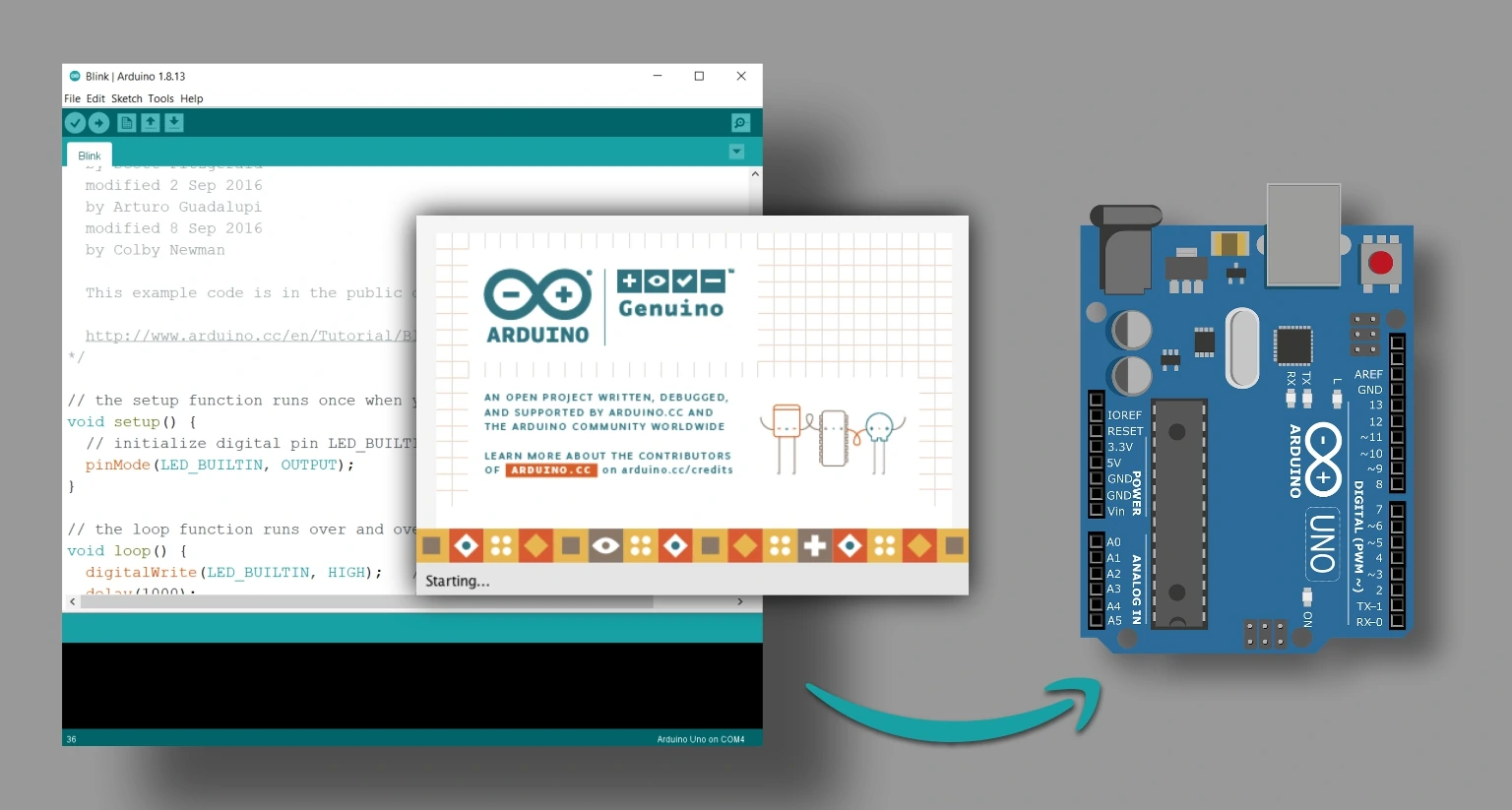
Arduino boards contain a microcontroller that can be programmed to perform a variety of tasks such as reading sensors, controlling motors, or communicating with other devices. Programs written for Arduino are called "sketches" and are written using the Arduino IDE.
The process involves:
Connecting Arduino to your computer
Writing code in the Arduino IDE
Uploading the code to the board
Observing the result through outputs like LEDs, motors, or sensors
Connect the Arduino board to your computer using a USB cable.
Open the Arduino IDE.
Select the board type: Tools > Board > Arduino Uno
Select the port: Tools > Port > COMX (Arduino Uno)
Connect components for your first project (e.g., LED with resistor to pin 13)
Educational projects and learning electronics
Prototyping circuits and devices
Robotics and automation
IoT applications
This tutorial is the foundation for all Arduino projects and prepares you for more advanced sensors, actuators, and IoT applications.
Code Example
// Basic Arduino Blink Example

void setup() {
  pinMode(13, OUTPUT); // Set pin 13 as output
}

void loop() {
  digitalWrite(13, HIGH); // Turn LED on
  delay(1000);            // Wait 1 second
  digitalWrite(13, LOW);  // Turn LED off
  delay(1000);            // Wait 1 second
}
Build a distance measuring system using HC-SR04 ultrasonic sensor with Arduino. Learn about sensors and data processing.
Read TutorialCreate a temperature and humidity monitoring system using DHT22 sensor. Display readings on LCD or serial monitor.
Read Tutorial